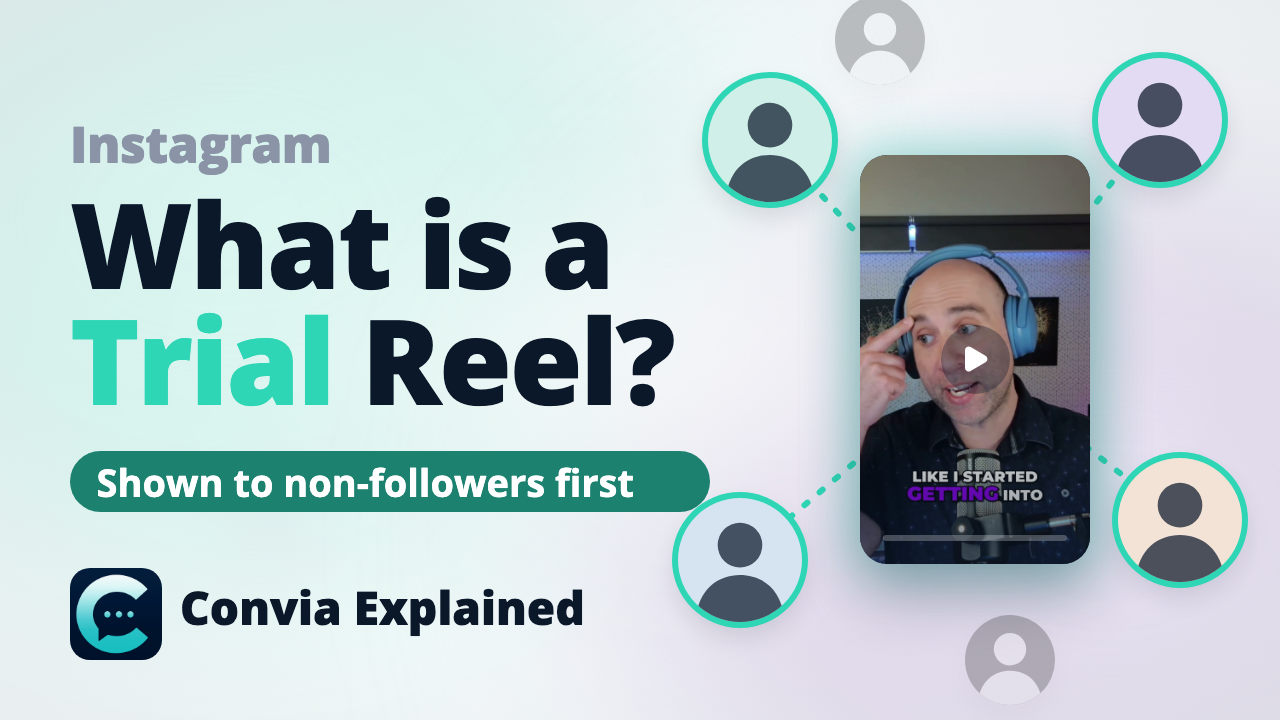
An Instagram Trial Reel is a Reel shown first to people who don't follow you. It stays off your grid and out of your followers' feeds while you see how it performs. If it does well, you can share it with everyone; if not, your followers never see it. As of November 2026, Trial Reels are available to public professional accounts with at least 1,000 followers.
What it is
Instagram launched Trial Reels in late 2024. A Trial Reel goes to non-followers first. It doesn't appear on your profile grid, in your Reels tab or in your followers' feeds unless you share it later.
There are two exceptions. A non-follower who sees it can send it to someone in a DM, and it can still appear on audio, location and filter pages.
Instagram built the feature so creators can try ideas outside their usual content without worrying how their followers will react.
Who can use it
As of November 2026, Trial Reels are available to public professional accounts with at least 1,000 followers. Instagram decides when trials are turned on for an account.
How to post one
- Make your Reel as usual.
- Turn on Trial before you share it.
- Optionally, turn on auto-share. If the trial performs well with non-followers, Instagram shares it with your followers for you. Instagram decides what counts as performing well.
- Share it now, or schedule it. Instagram added scheduling for Trial Reels.
How to read the results
Results show after about 24 hours. Two rules make them useful:
- Judge on likes and sends per reach, not raw views. This is the ratio Adam Mosseri, head of Instagram, has suggested.
- Compare Trial Reels with other Trial Reels. A trial reaches people who don't follow you, so comparing it with a regular Reel mixes two different audiences.
Then decide: share it with everyone, leave it, or let auto-share decide for you.
When podcasters should use them
One episode gives you a dozen possible clips. Trial Reels tell you which one travels before it becomes the clip your followers see.
- Pick the clip. Post two candidate clips as trials and share the one that does better.
- Test the hook. Post the same clip twice with a different first line. Change one thing at a time, so you know what made the difference.
- Test a topic. Run a trial on a new topic before you commit a series to it.
Instagram has reported that creators who used Trial Reels posted more often, and that their reach with non-followers went up.
How to post Trial Reels from Convia
In Convia, Trial Reels are one switch on an Instagram post:
- Open the post on an Instagram channel. This works on Instagram and on Instagram connected through Facebook.
- Under Privacy & Visibility options, turn on Trial reel.
- Optionally, turn on Share with followers if it performs well to let Instagram decide. Leave it off to decide yourself in the Instagram app.
- Schedule it like any other Reel, on its own or as part of a campaign.
A few details worth knowing:
- A refused trial goes back to drafts. If Instagram hasn't turned on trials for your account, it refuses the post. Convia puts it back in drafts instead of publishing it as a regular Reel.
- Defaults for automated posts. For posts Convia creates on its own, set Trial reel once under the channel's Default publishing settings (For automated posts), or per channel on a clip automation. Posts you write set it on each post.
- AI assistants can set it. An assistant connected to Convia through MCP can turn on Trial reel and auto-share on a draft.
- Results live in Instagram. Convia doesn't show trial-specific results, so read them in Instagram.
FAQ
Do Trial Reels show on my profile?
No. A Trial Reel stays off your profile grid and Reels tab unless you share it with your followers later. A non-follower can still send it in a DM, and it can appear on audio, location and filter pages.
Can I schedule a Trial Reel?
Yes. Instagram added scheduling for Trial Reels, and Convia schedules them like any other Reel. If Instagram refuses the trial for your account, Convia puts the post back in drafts instead of publishing it as a regular Reel.
Do my followers see Trial Reels?
Not at first. A Trial Reel goes to people who don't follow you. Your followers see it only if you share it, or if you turned on auto-share and Instagram decides it performed well.
Do Trial Reels get fewer views?
They reach a different audience: people who don't follow you. Compare a Trial Reel with other Trial Reels, not with your regular Reels, and judge it on likes and sends per reach rather than raw views.
Can third-party tools post Trial Reels?
Yes, where the tool supports it. In Convia, turn on Trial reel under Privacy & Visibility options on an Instagram post. An AI assistant connected to Convia through MCP can set it on a draft too.
Sources
Facts as of November 2026.
- Non-followers first; not on grid, Reels tab or followers' feeds; DM and audio, location and filter page exceptions: The Express Tribune, on Adam Mosseri's announcement; Swipe Insight (December 10, 2024).
- Purpose of the feature: Adam Mosseri, via nowbam.com.
- Public accounts with 1,000+ followers: Social Media Today; Social Samosa.
- Results after about 24 hours; auto-share option: Swipe Insight (December 10, 2024).
- Scheduling, and Instagram's reported creator and reach figures: Social Media Today, "Instagram allows creators to schedule Trial Reels".
- Likes and sends per reach: RouteNote, citing Adam Mosseri's video.
- Launched in late 2024: The Keyword.